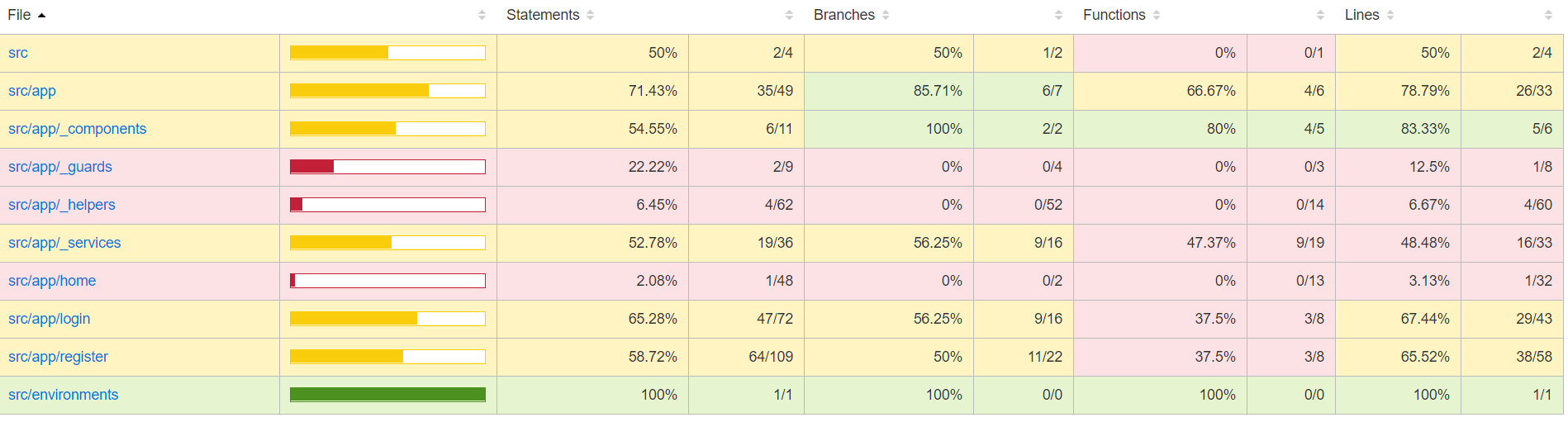
Привет всем, хочу рассказать как добавить code coverage к angular/react проекту. В сети можно отыскать довольно много вариантов как это делать, и со своего опыта должен заметить что иногда с angular это не так просто. Рассмотрим как добавить code coverage к 11 версии angular (если у вас 7/8 … этот пример может не работать, лучше обновится)
Angular
Установим все зависимости
npm i -D ngx-build-plus npm i -D istanbul-instrumenter-loader npm install -D @cypress/code-coverageПереедем с protractor на cypress
ng add @briebug/cypress-schematicСоздадим файл cypress/coverage.webpack.js
module.exports = { module: { rules: [ { test: /\.(js|ts)$/, loader: 'istanbul-instrumenter-loader', options: { esModules: true }, enforce: 'post', include: require('path').join(__dirname, '..', 'src'), exclude: [ /\.(e2e|spec)\.ts$/, /node_modules/, /(ngfactory|ngstyle)\.js/ ] } ] } };Обновим наш angular.jso
"serve": { "builder": "ngx-build-plus:dev-server", "options": { "browserTarget": "angular-registration-login-example:build", "extraWebpackConfig": "./cypress/coverage.webpack.js" } },Добавим к cypress/support/index.js
import '@cypress/code-coverage/support';Добавим к cypress/plugins/index.js
module.exports = (on, config) => { require('@cypress/code-coverage/task')(on, config) // IMPORTANT to return the config object // with the any changed environment variables return config }Запустим приложение, в console должна быть переменная window.__coverage__

После запуска приложения остается только запустить тесты npm run cy:open / cy:run
"cy:open": "cypress open", "cy:run": "cypress run",Как только тесты пройдут в корне приложения будет создана папка coverage
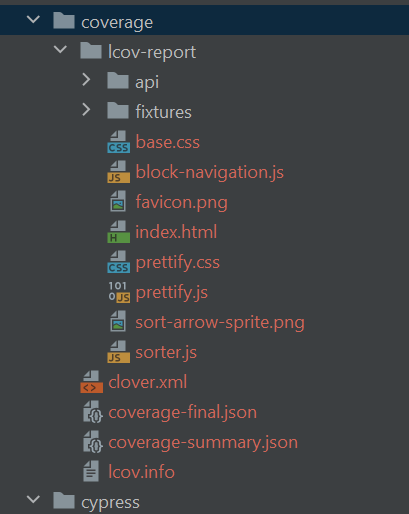
Посмотреть результат можно открыв файл coverage/lcov-report/index.html

Кликая по компонентам можно посмотреть какой код выполнялся и сколько раз, а какой еще не покрыт тестами
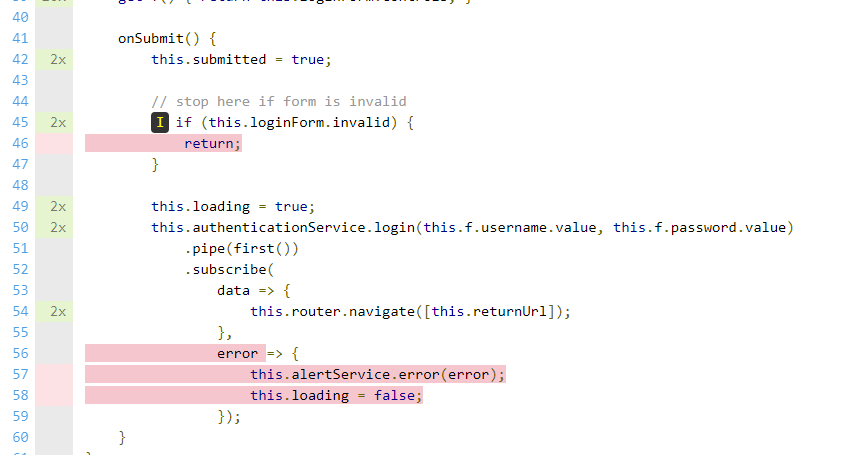
Сам проект можно скачать тут: https://github.com/NikolayKozub/angular-coverage-cypress
React
Установим все зависимости
npm i -D nyc babel-plugin-istanbul istanbul-lib-coverage @cypress/code-coverage @cypress/instrument-craДобавим к cypress/plugins/index.js
module.exports = (on, config) => { require('@cypress/code-coverage/task')(on, config) return config }Добавим к cypress/support/index.js
import '@cypress/code-coverage/support'Добавим скрипты к package.json
"start": "react-scripts start", "start:coverage": "react-scripts -r @cypress/instrument-cra start",Добавим .babelrc в корень проекта
{ "plugins": ["istanbul"] }ссылка на оригинал статьи https://habr.com/ru/post/534370/
Добавить комментарий